


What are the benefits of Google for Jobs?
What exactly is „Google for Jobs“?
Google for Jobs is basically an enhanced job search built right into Google Search – and the best part: it’s completely free for companies!

 How results are displayed in the search engine
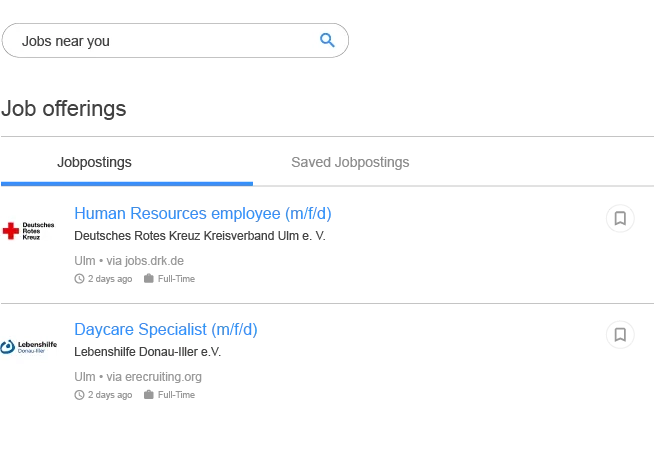
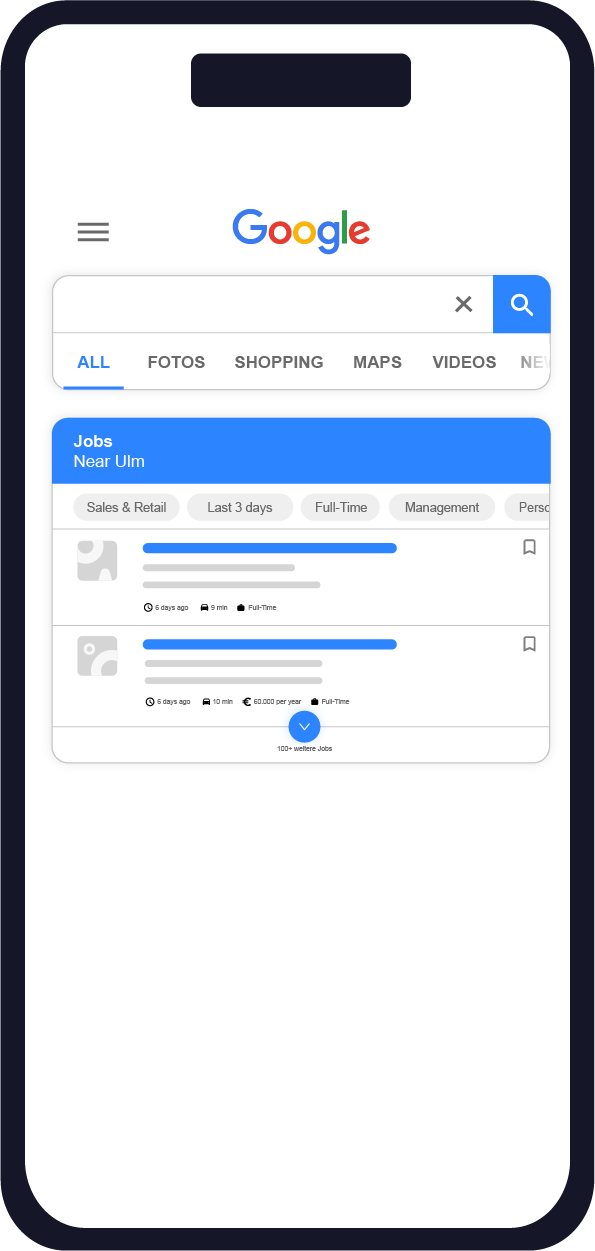
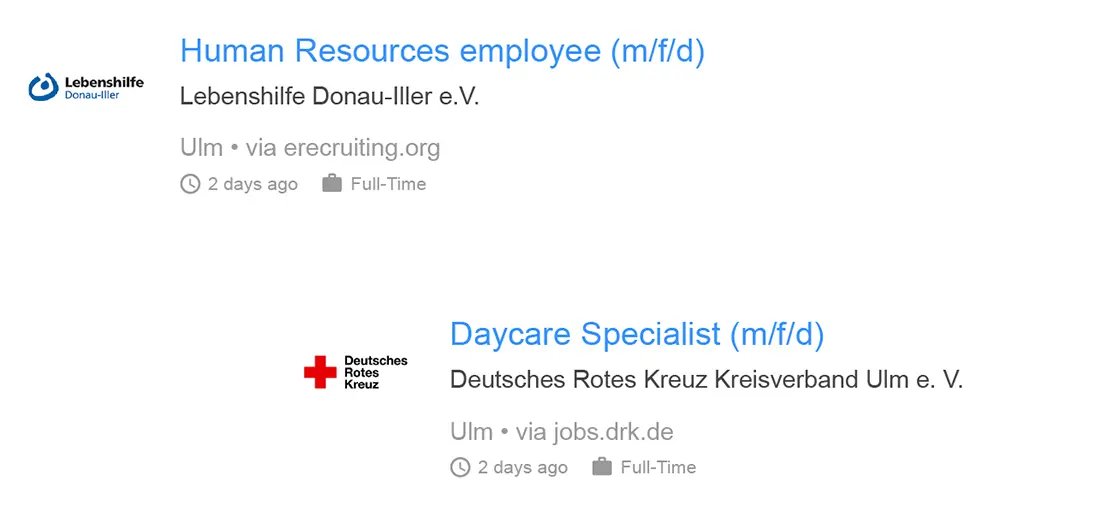
Now, when you search for "sales jobs" on Google, you will see not only organic results from external job boards, but also specific company job postings displayed prominently in a box at the top of the page.
In addition, the job search comes with a wide range of filter options, making it even easier for applicants to find the job that best suits them. Since Google for Jobs is powered by machine learning, applicants are also shown jobs they did not explicitly search for – either because the titles differ slightly or because they may not yet be familiar with them, but which still match the applicant’s search profile.
Google for Jobs offers a radius search that calculates the optimal route and provides an approximate travel time. As well as using data from Google Maps, data from external websites is also aggregated. If a company does not disclose salary information in its job advertisement, the information is sourced from other sites, such as Glassdoor or Gehalt.de.
In addition, employer reviews – for example from Kununu – are displayed directly alongside the job posting.


A basic requirement for Google to even recognize job postings on company websites and deliver them via Google for Jobs is the use of structured data, which must be recorded for each posting without exception. At a minimum, this includes:
- the title,
- a description,
- the full address of the job location
- and the duration.
All required information can be entered and stored directly in the BITE Bewerbermanager for each posting, effectively minimizing the risk of missing details.
 For which keywords does the search box appear?
The keywords that trigger the 'Google for Jobs' box can roughly be divided into three categories:

The most obvious keywords come from the area of job search. Examples: job offers, jobs Berlin, medical assistant wanted, part-time job Mannheim.

The integration also appears for many job titles and apprenticeship searches. Examples: apprenticeship, sales assistant, technical draftsman, boat builder.

The third category is company names. Google uses this integration when it detects job-seeking intent. Examples include: Bundeswehr careers, Jobscout, Rewe jobs, Airbus Bremen. (See www.sistrix.de, 29 May 2019.)